SOS allows users to save trusted contacts and reach out to them quickly in the case of an emergency.
Users press the SOS button for 4 seconds, sending a notification with the user’s location to their listed contacts, police, and volunteers in close proximity.
Considering that users may not be able to reach their phones, users can activate the SOS system via voice commands stored in advance.
In severe situations users may want to record videos of bullying, users can choose whether to record video with their phone after calling for help.
SOS has a multi-step process for veifying safe volunteers that want to help others. We check applicants' criminal background and conduct an interview.
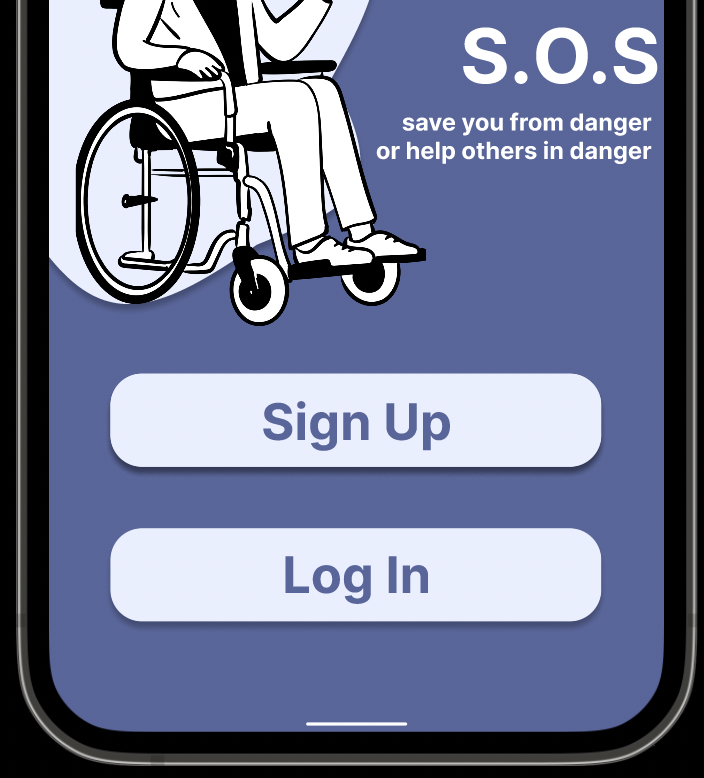
Once SOS is downloaded as a mobile app, users will be prompted to the landing screen where they can either sign up or log into an existing account. Signing up only requires a name, email or phone number, and password.
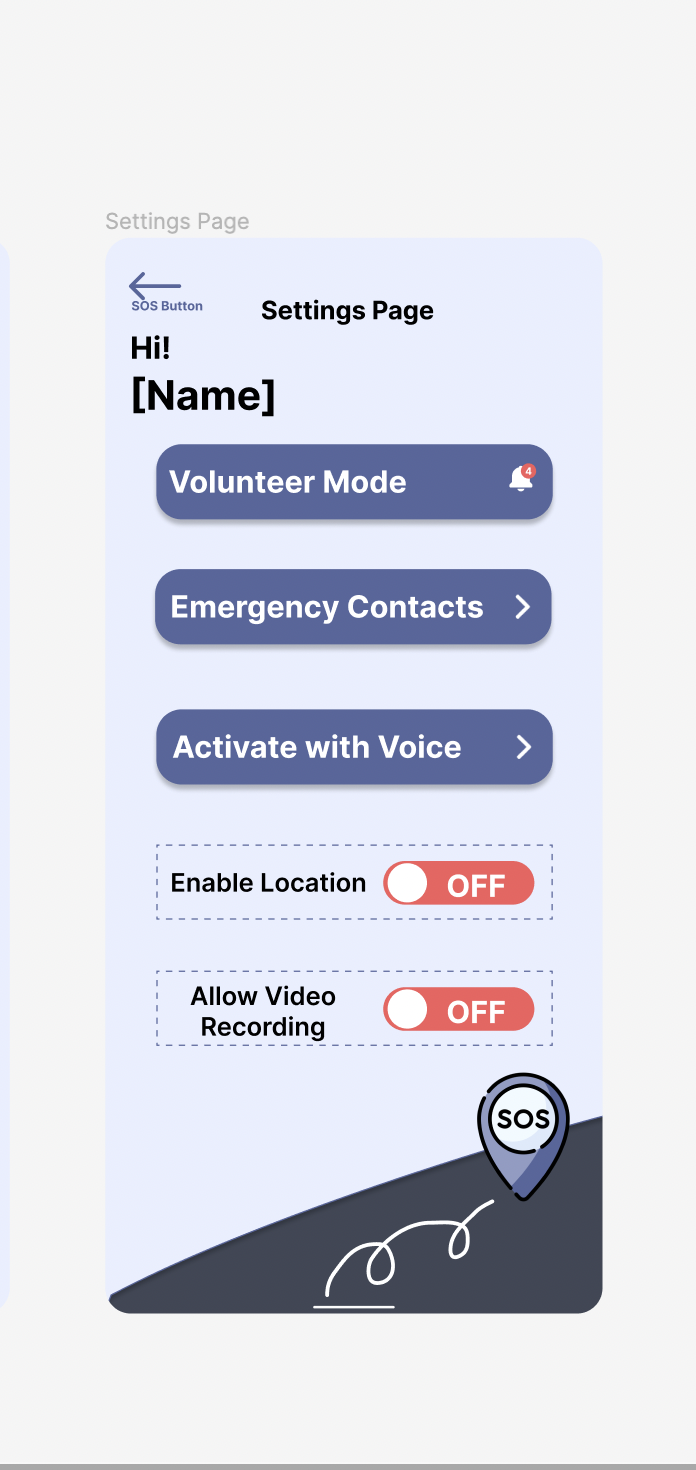
On our settings page, SOS users can select that they would like to be a verified volunteer and help people in need close to their location. If the user requires help for themself, they can click on either emergency contacts or activate with voice.
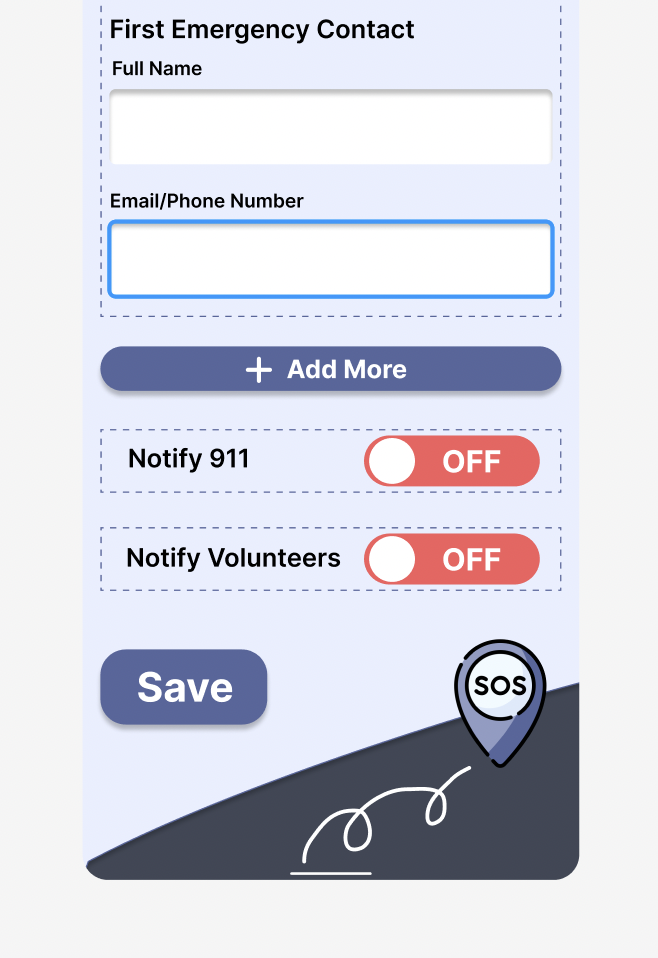
The SOS contacts page allows users to input their emergency contacts for future help. They can also activate the notify 911 and volunteers feature to always contact both when in danger.
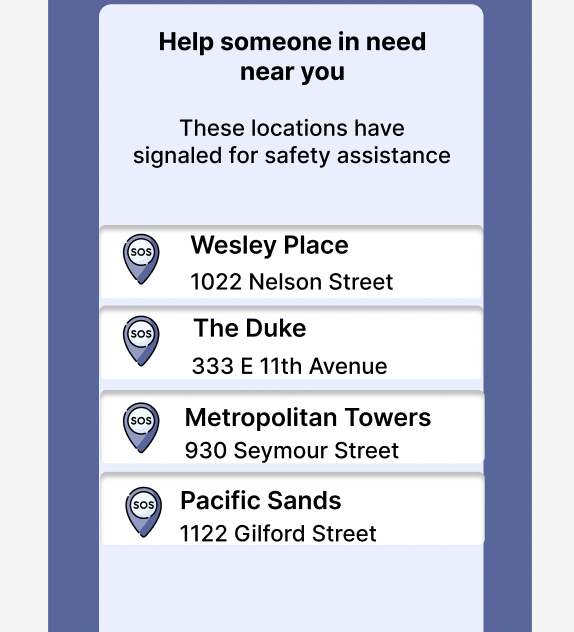
Verified volunteers will receive notifications of nearby locations where people have signaled they are unsafe or in need of assistance.
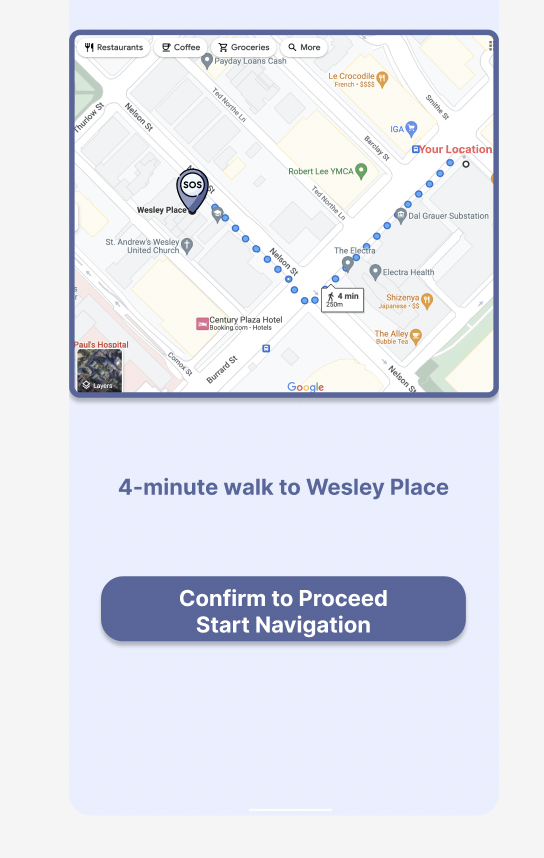
Once volunteers receive map notifications, they must confirm to start navigation to the locations. This allows SOS to identify that help is on the way for those who need help.
At times we may find ourselves in a situation where we need to reach out for help- whether it be bullying, domestic violence or an emergency due to a disability, it can be really useful to be able to quickly ask trusted individuals for help.
Get Involved